
It piles up on your windows.
Snow settles on top of every window you have open. Drag one and the snow slides and tumbles off, just like on this one.
It also buries your Dock if you let it. Your icons stay clickable under the snow, and you can turn this off.

A small truck with a big blade.
When the snow gets deep at the bottom of your screen, the truck drives through and plows it. Its blade rises to clear the Dock on the way. You can also call it whenever you like.
Want it all gone at once? A storm blows in from the edge of the screen and sweeps everything away.

Things to do while it snows.
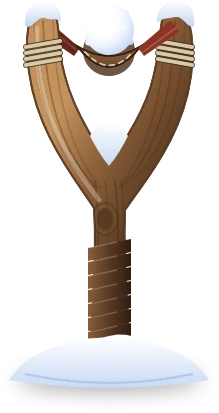
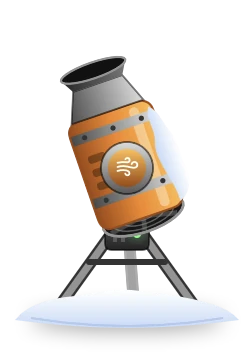
Pull back the slingshot and throw a snowball. Point the snow machine at a pile and blow it away, or switch it to spray and make more. Shake your mouse and the whole screen turns into a snow globe.
One place, three times a day.
Turn on winter scenes and your wallpaper follows the clock: day from 07:00, dusk from 17:00, night from 19:30. Windows light up as it gets dark. Pick a favorite, or let them take turns.
Nothing leaves your Mac.
Lapa Lapa collects no data and has no account, ads or tracking. Your snow settings stay on your Mac.
Permissions only if you want them.
Snow, the truck and the wallpapers need no permission. Snow on your folders and on top of the Dock is optional. It needs Screen Recording, because macOS has no other way to show an app where they are. Lapa Lapa only looks at those two things, and it explains this before asking.

Let it snow.
Coming soon to the Mac App Store.